

About Course
Course Objectives:• Familiarise with different operational aspects of Logistics and Supply Chain.• Basic understanding of Export Import procedures.• Understanding the process of clearing of goods.• Carry out basic operational functions in warehouse and working knowledge of reverse logistics and intermodal transportation.
Course Content
Unit 1 – Role of Logistics operations and system concept
-
1.1 Fundamentals of Logistics Systems
27:46 -
1.2 Evolution of Logistics and Supply Chain Management
-
1.3 Key Components of Logistics Systems
-
1.4 Logistics Strategies and Planning
-
1.5 Technology Integration in Logistics
-
1.6 Role of Information Systems in Logistics
-
1.7 Performance Measurement in Logistics
-
1.8 Logistics Network Design and Optimization
-
1.9 Global Logistics and International Operations
-
Practice Quiz
Unit 2 – Inventory and Warehousing operations
Unit 3 – Freight and Transportation operations
Unit 4 – Information Technology in Logistics Operation
Unit 5 – Export, Import and Incoterms
Final Assessment
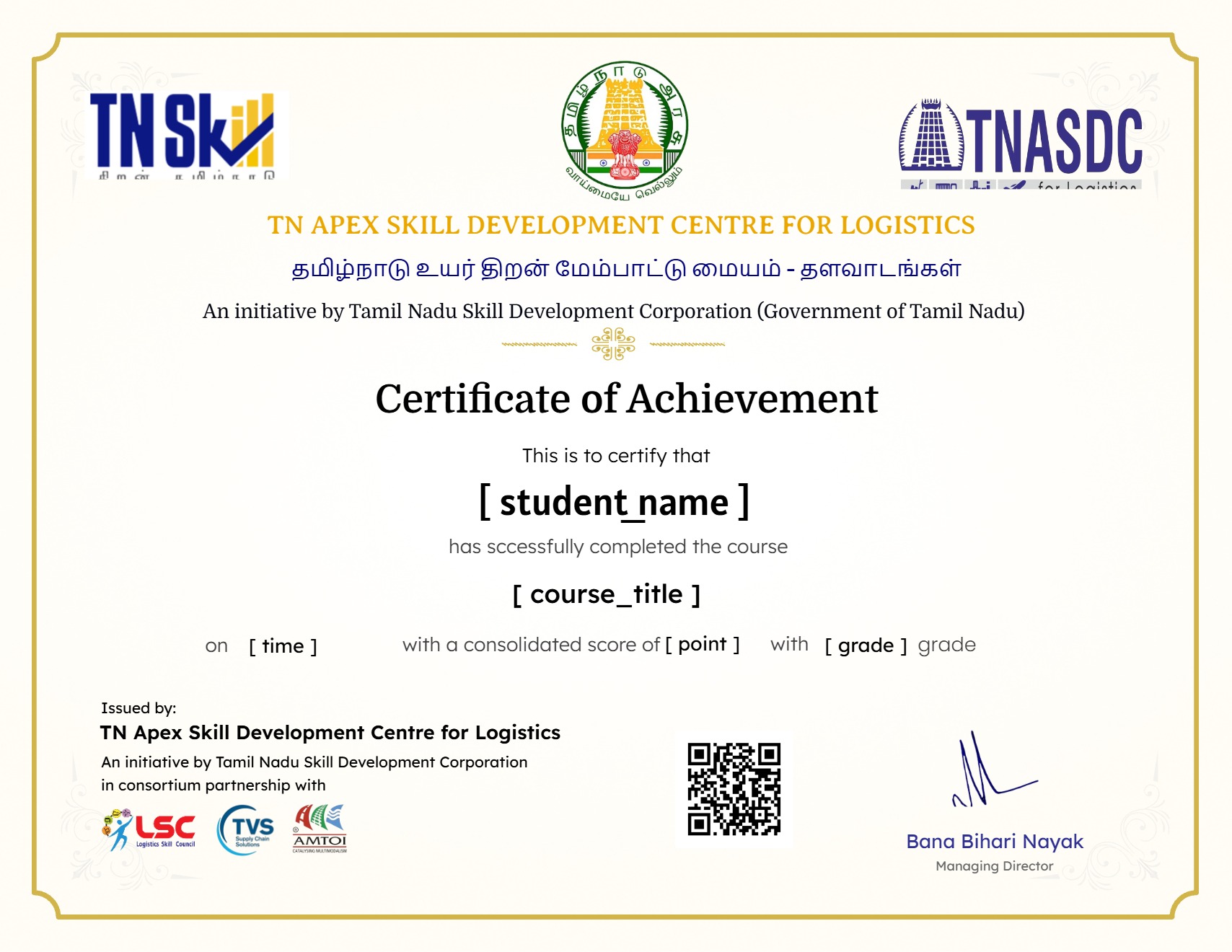
Earn a certificate
Add this certificate to your resume to demonstrate your skills & increase your chances of getting noticed.
Student Ratings & Reviews
Good
The TN skilled course are very useful for students
Good
Good
A question answer was similarly same so we need different answers
• Prompt: "How Was Your Experience? Your feedback helps others find the right course."
• Rating Options: Emoji selections ranging from "Poor" to "Amazing" (with "Amazing" selected) and a 5-star rating system (all 5 stars highlighted).
• Text Input: A text box labeled "Write Your Review *" with the placeholder text, "Tell us about your experience. Was it a good match for you?"
• Action Buttons: "Cancel" and "Submit Review" buttons at the bottom of the form interface, overlaid above the virtual keyboard.
• Prompt: "How Was Your Experience? Your feedback helps others find the right course."
• Rating Options: Emoji selections ranging from "Poor" to "Amazing" (with "Amazing" selected) and a 5-star rating system (all 5 stars highlighted).
• Text Input: A text box labeled "Write Your Review *" with the placeholder text, "Tell us about your experience. Was it a good match for you?"
• Action Buttons: "Cancel" and "Submit Review" buttons at the bottom of the form interface, overlaid above the virtual keyboard.
Good
• Rating Options: Emoji selections ranging from "Poor" to "Amazing" (with "Amazing" selected) and a 5-star rating system (all 5 stars highlighted).
• Text Input: A text box labeled "Write Your Review *" with the placeholder text, "Tell us about your experience. Was it a good match for you?"
• Action Buttons: "Cancel" and "Submit Review" buttons at the bottom of the form interface, overlaid above the virtual keyboard.
• Prompt: "How Was Your Experience? Your feedback helps others find the right course."
• Rating Options: Emoji selections ranging from "Poor" to "Amazing" (with "Amazing" selected) and a 5-star rating system (all 5 stars highlighted).
• Text Input: A text box labeled "Write Your Review *" with the placeholder text, "Tell us about your experience. Was it a good match for you?"
• Action Buttons: "Cancel" and "Submit Review" buttons at the bottom of the form interface, overlaid above the virtual keyboard.
Good
Good
Good
Very good
Good
Good
Good
Good
Good
Good
Good
Useful
Good
Good
Good